Blog, page 14
 WhatsApp Commerce
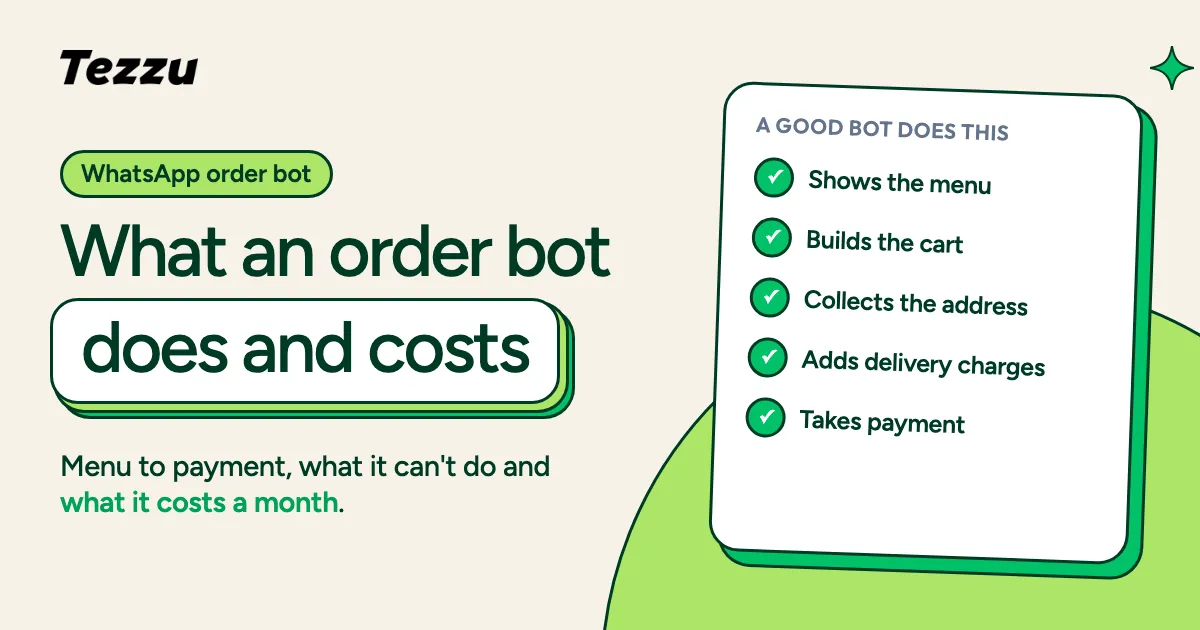
WhatsApp Order Bot: What It Is, What It Can Do and What It Costs
What a WhatsApp order bot is, what a good one does from menu to payment, what it cannot do, and what it costs per month for an Indian restaurant.
 WhatsApp Commerce
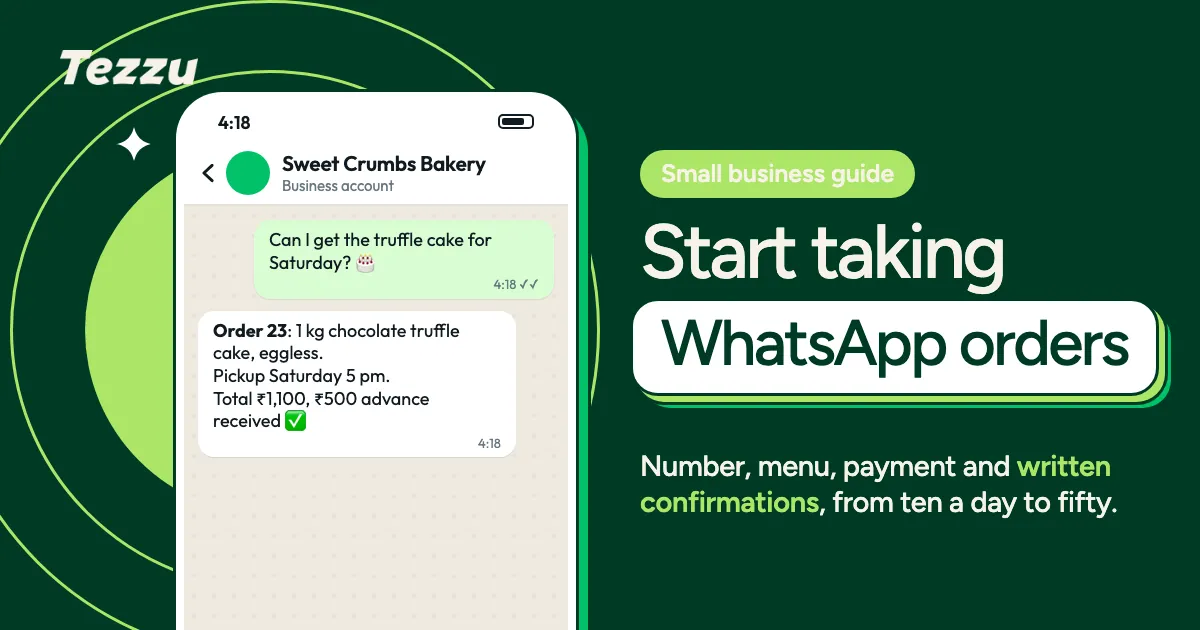
WhatsApp Ordering for Small Businesses: A Starter Guide
A starter guide to WhatsApp ordering for small business: set up the number, build a menu, take payments, confirm orders and grow from ten a day to fifty.
 WhatsApp Commerce
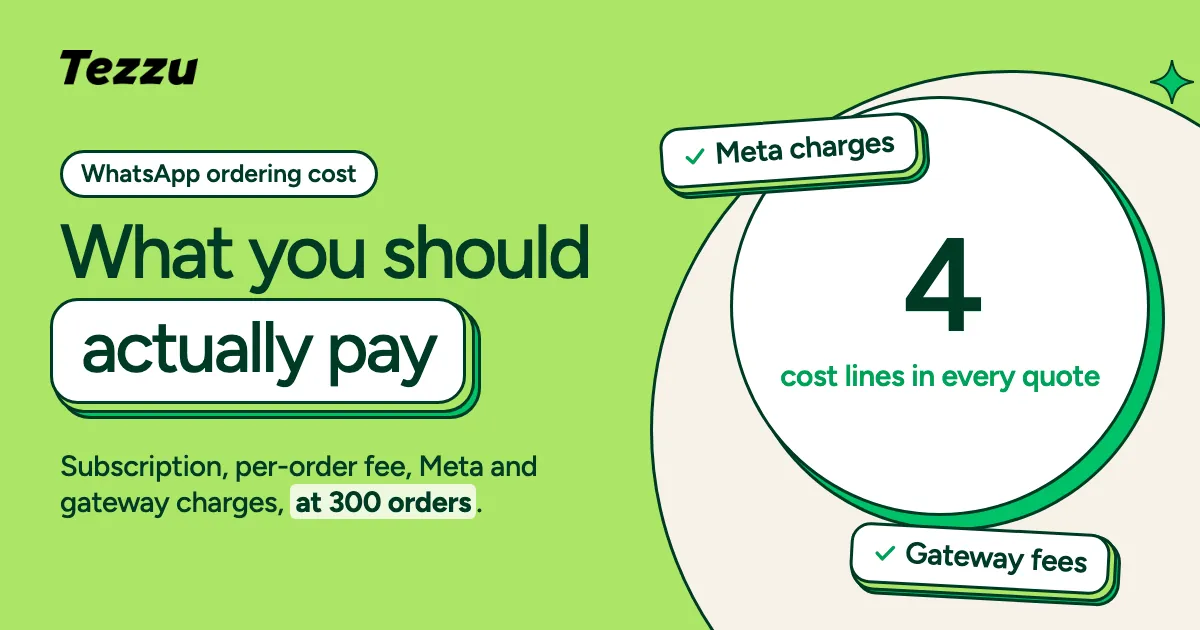
WhatsApp Ordering System Cost in India: What You Should Actually Pay
WhatsApp ordering system cost in India broken down: subscription, per-order fees, Meta message charges and gateway fees, with a worked monthly example.
 WhatsApp Commerce
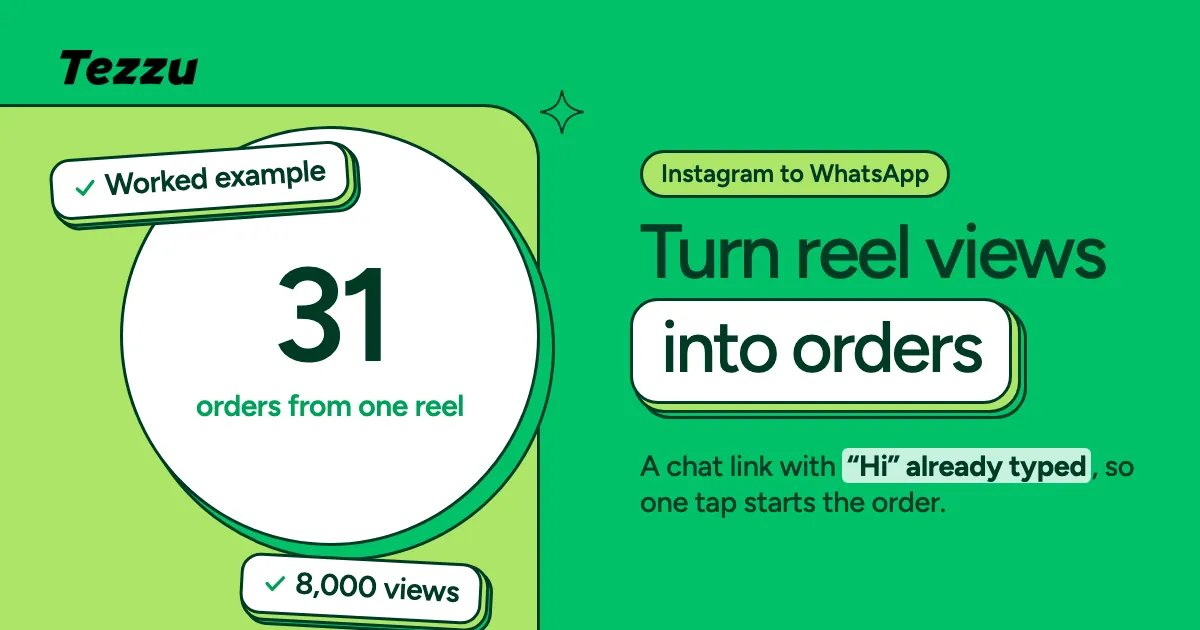
How to Convert Instagram Reel & Post Views into Customers with WhatsApp Chat Links (2026)
Your reels get thousands of views but few orders. Learn the WhatsApp chat link strategy — a link where "Hi" is pre-filled, one tap starts a conversation, and every viewer becomes a lead with a name and phone number. No forms, no app, no drop-off.
 Industry Guides
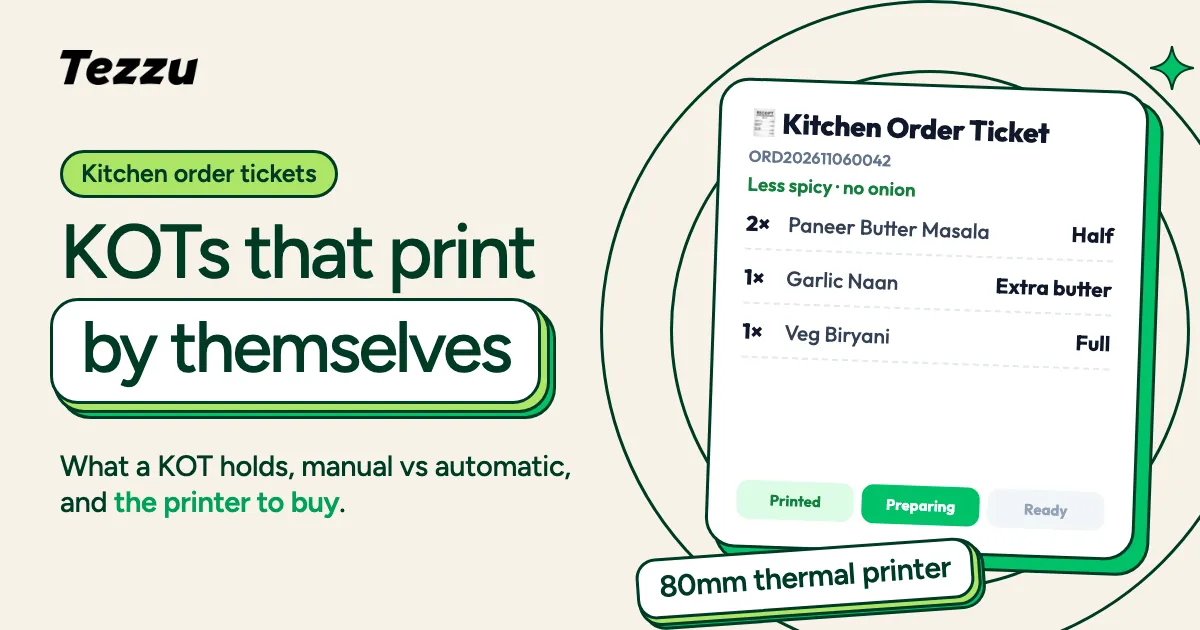
What Is a KOT (Kitchen Order Ticket)? Complete KOT System Guide for Restaurants (2026)
KOT full form, how a kitchen order ticket system works, why manual KOTs cause wrong orders, and how to set up automatic KOT printing with a thermal printer — connected to WhatsApp and online orders.
 Using Tezzu
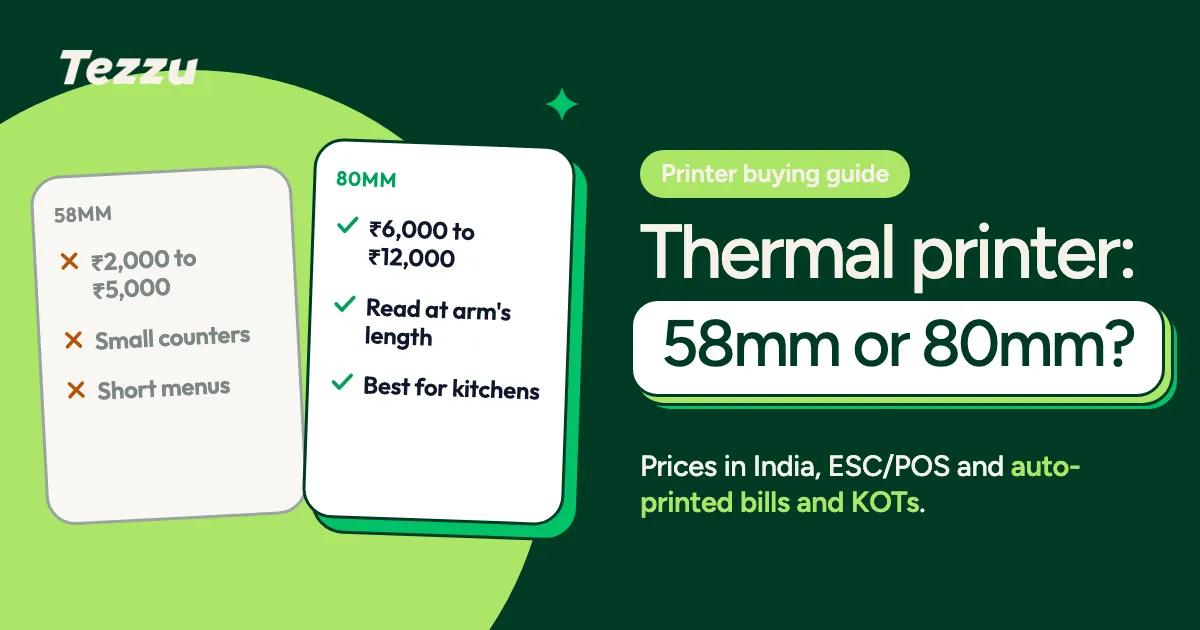
Thermal Printer for Restaurant Billing & KOT: 58mm vs 80mm, Setup Guide (2026)
Which thermal printer should your restaurant buy? 58mm vs 80mm compared, ESC/POS explained, price ranges in India, and how to set up automatic bill and KOT printing.
 WhatsApp Commerce
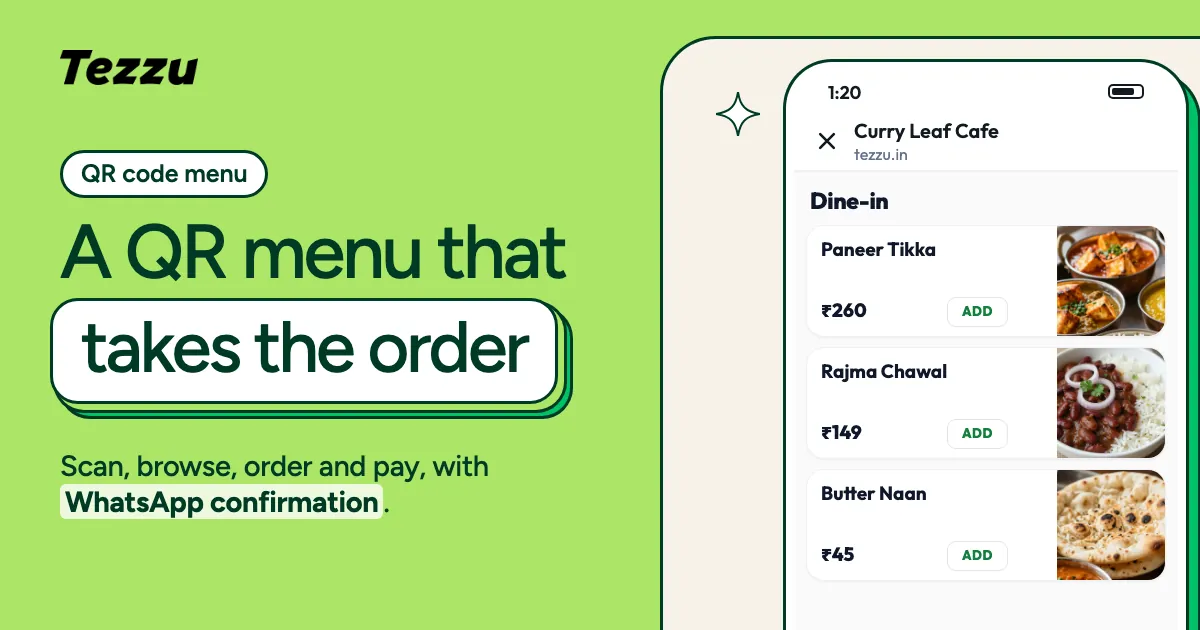
QR Code Menu for Restaurants: Free Setup Guide with WhatsApp Ordering (2026)
How to create a free QR code menu that customers can scan, browse, and order from — with payments and WhatsApp confirmation built in. No app, no PDF, no monthly menu-software fee.
 Industry Guides
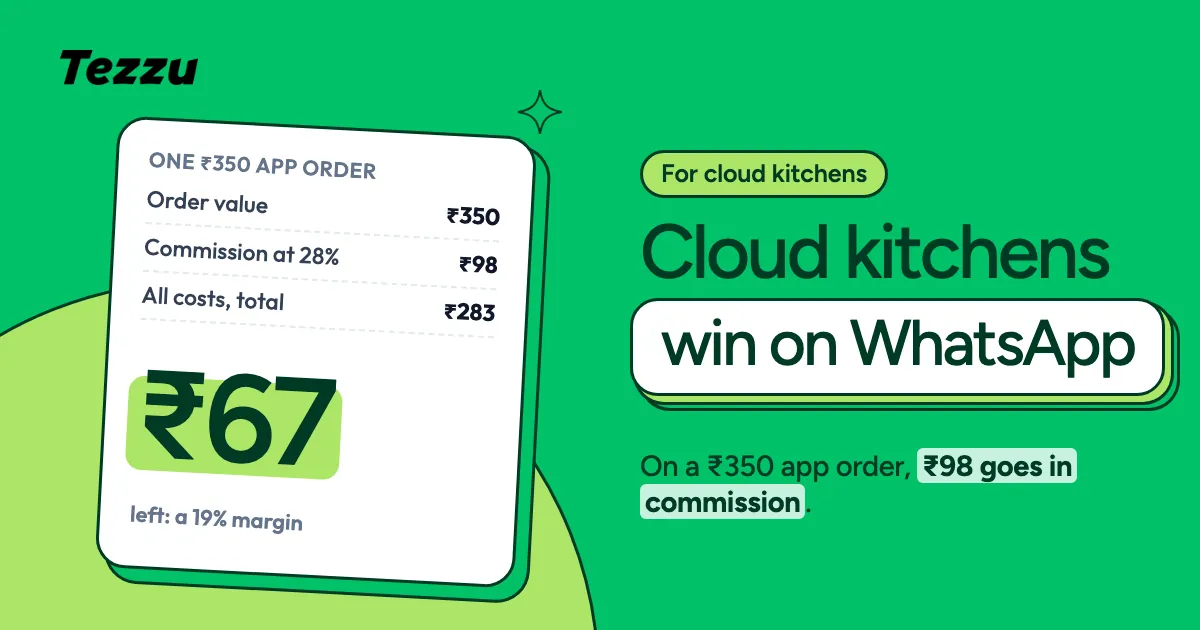
Best Ordering Platform for Cloud Kitchens in India (2026): Why WhatsApp Wins
Cloud kitchens don't have a storefront. Your entire business depends on the ordering channel. Here's why WhatsApp ordering beats aggregators for cloud kitchen profitability.
 WhatsApp Commerce
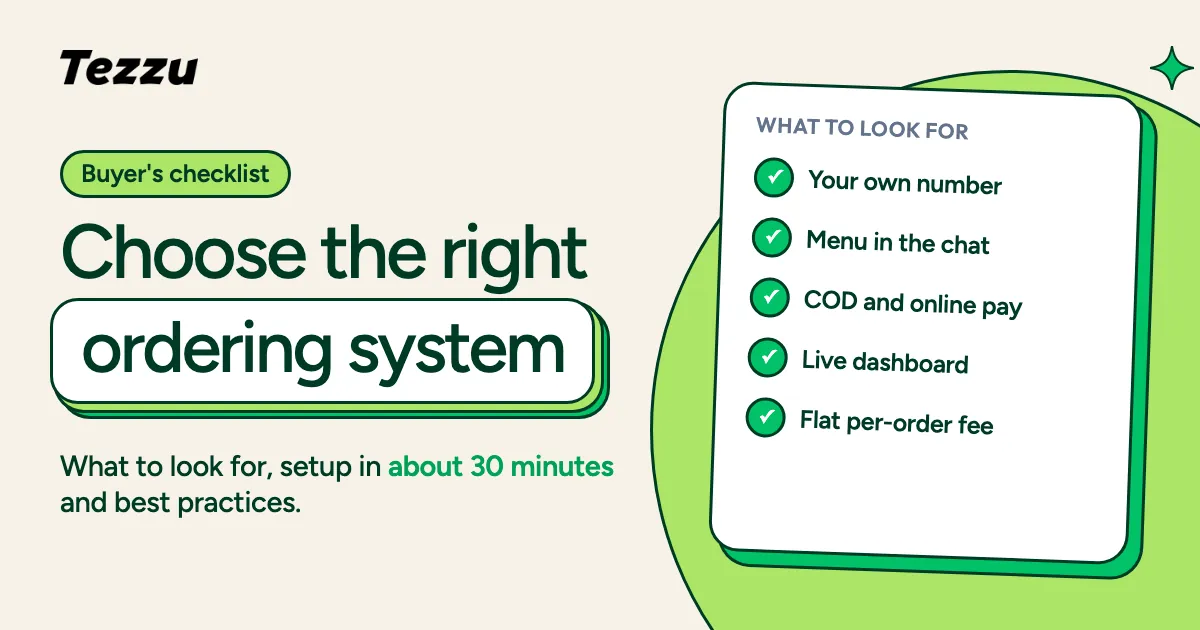
WhatsApp Ordering System Guide: Setup, Features & Best Practices
A practical guide to choosing and setting up a WhatsApp ordering system for your business. Learn what to look for, how it works, and how to get started in 30 minutes.
 WhatsApp Commerce
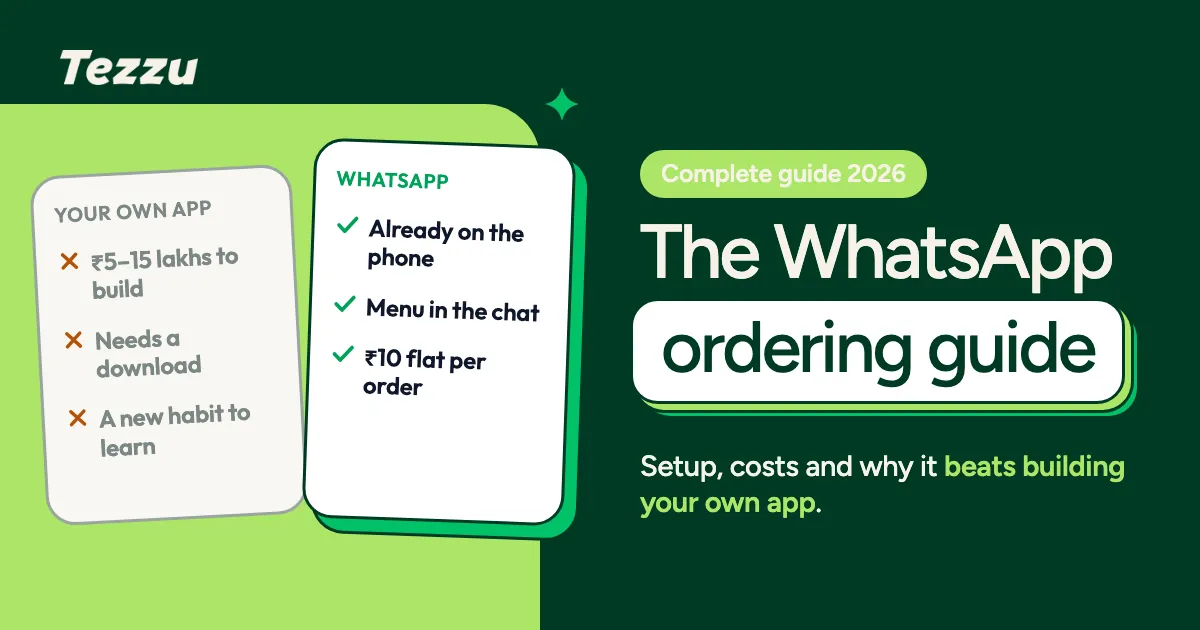
WhatsApp Ordering System for Businesses: The Complete 2026 Guide
Everything you need to know about setting up a WhatsApp ordering system for your restaurant, grocery store, or local business. Features, setup, costs, and how it compares.
 Industry Guides
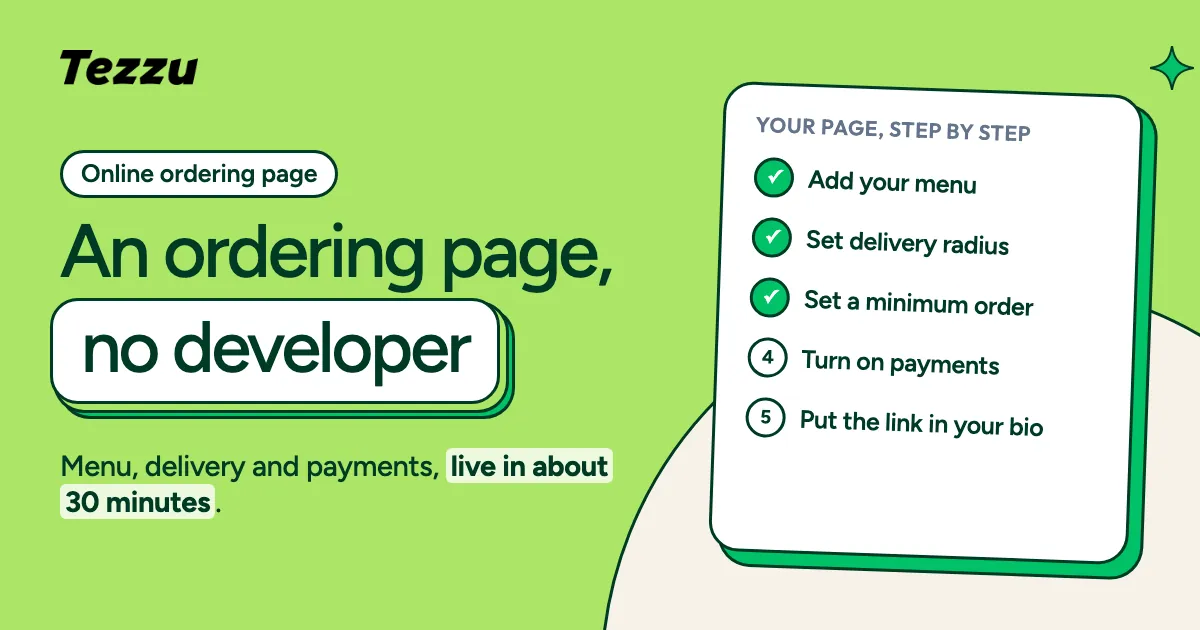
How to Create Your Restaurant's Online Ordering Page (Without Building a Website)
You don't need a developer or a ₹5 lakh website. Here's how any restaurant can get a professional online ordering page in 30 minutes — and start taking orders on WhatsApp.
 WhatsApp Commerce
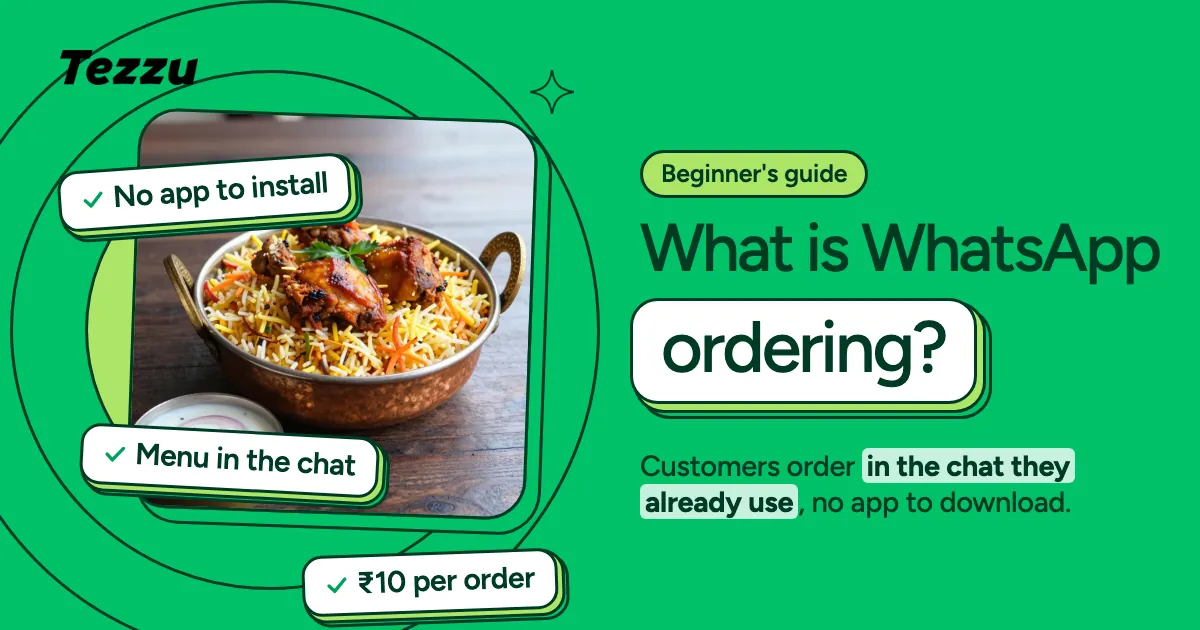
What is WhatsApp Ordering? A Simple Guide for Indian Merchants
India has over 500 million WhatsApp users. Learn why WhatsApp is becoming the most powerful sales channel for local merchants — and how it works.
 WhatsApp Commerce
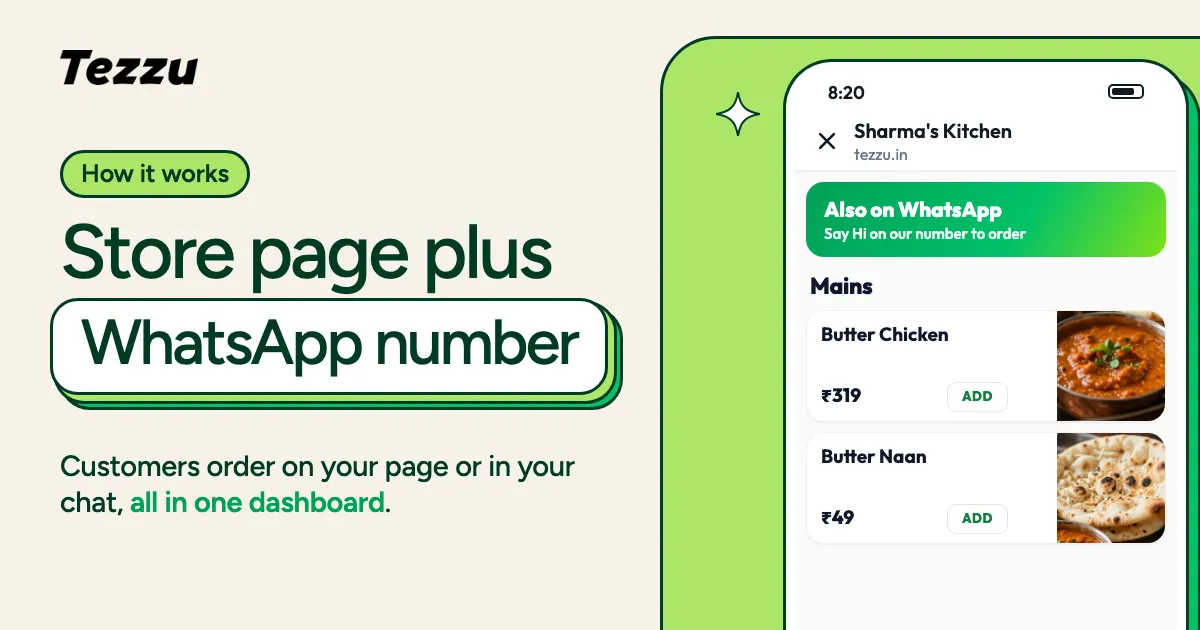
How Your Tezzu Storefront Works: Store Page + WhatsApp Number
Every Tezzu merchant gets their own store page and accepts orders on their own WhatsApp number. Here's how the two channels work together.
 WhatsApp Commerce
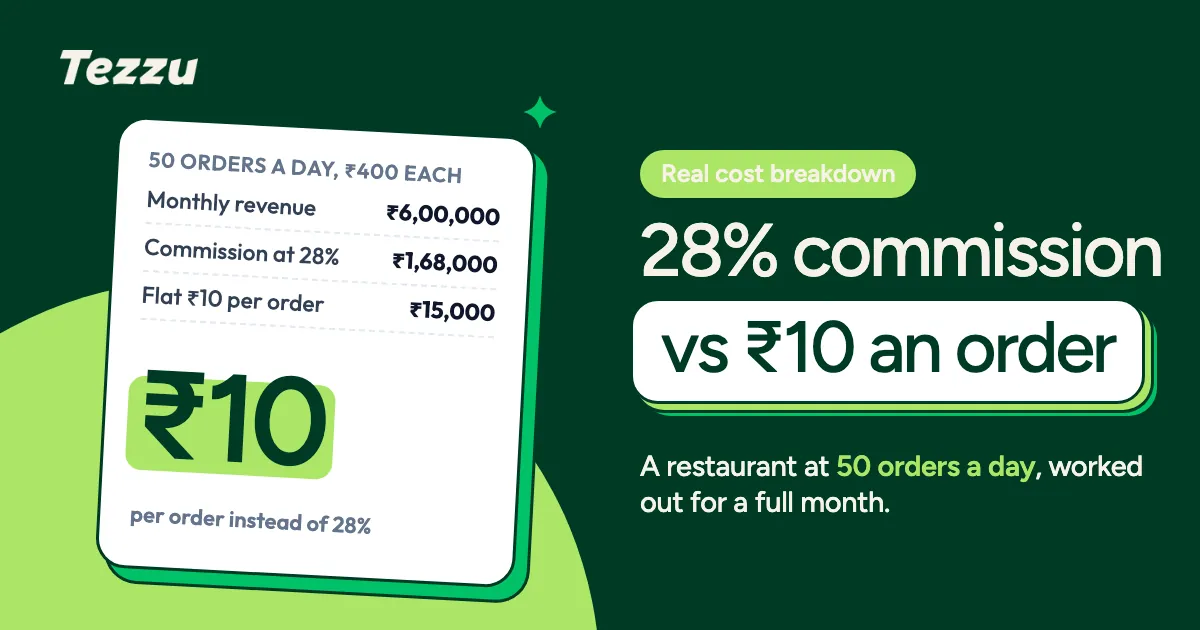
Aggregator Commission vs Direct Ordering: The Real Cost Breakdown
Food delivery apps charge 25-30% per order. Here's a detailed cost comparison showing how much you actually keep with different ordering channels.
 Your Storefront
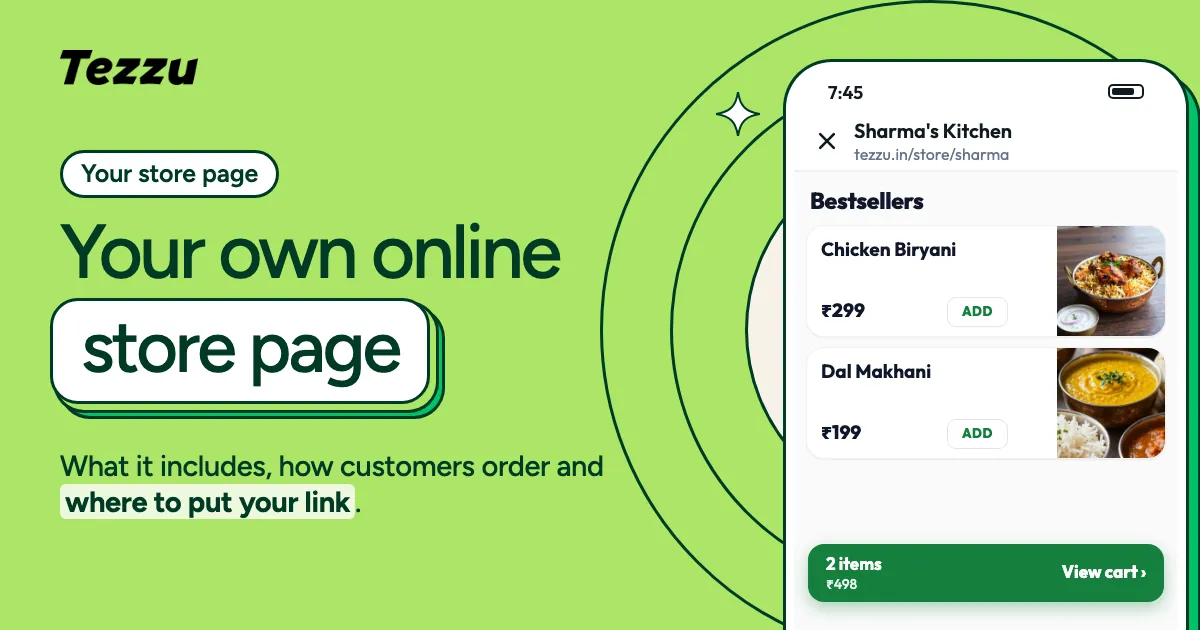
Your Own Online Store Page on Tezzu: What It Is and How It Works
Every Tezzu merchant gets their own store page at tezzu.in/store/your-name. Learn what it includes, how customers use it, and how to share it everywhere.
 Your Storefront
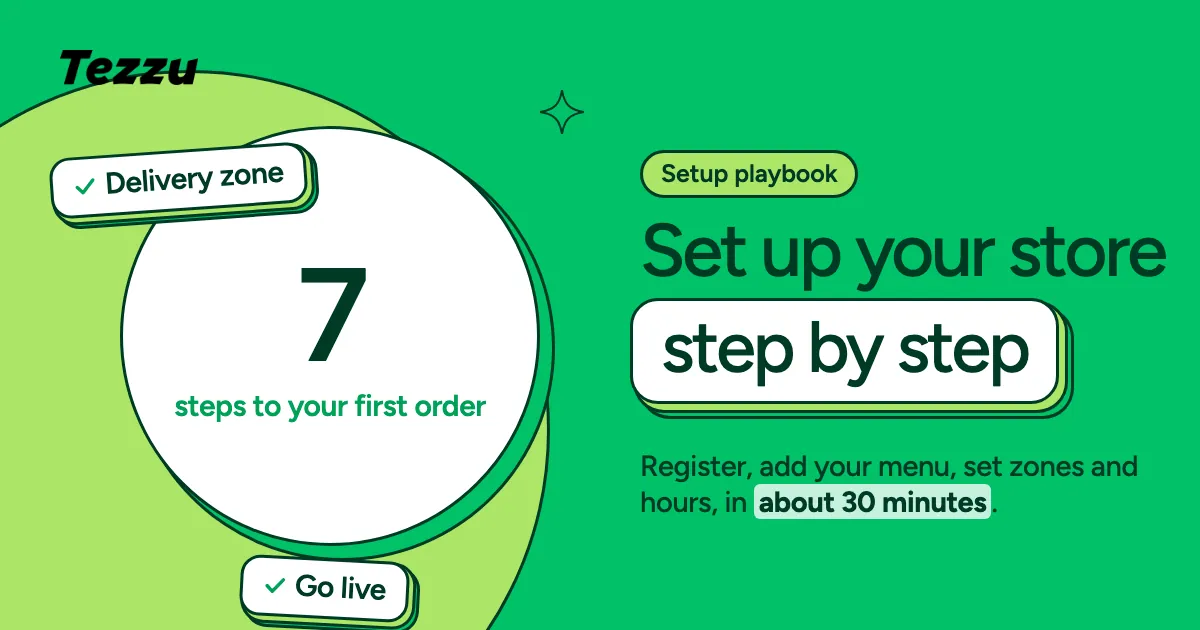
Setting Up Your Tezzu Store: A Complete Step-by-Step Playbook
From registration to your first order — a hands-on walkthrough of setting up your Tezzu store in under 30 minutes.
 Using Tezzu
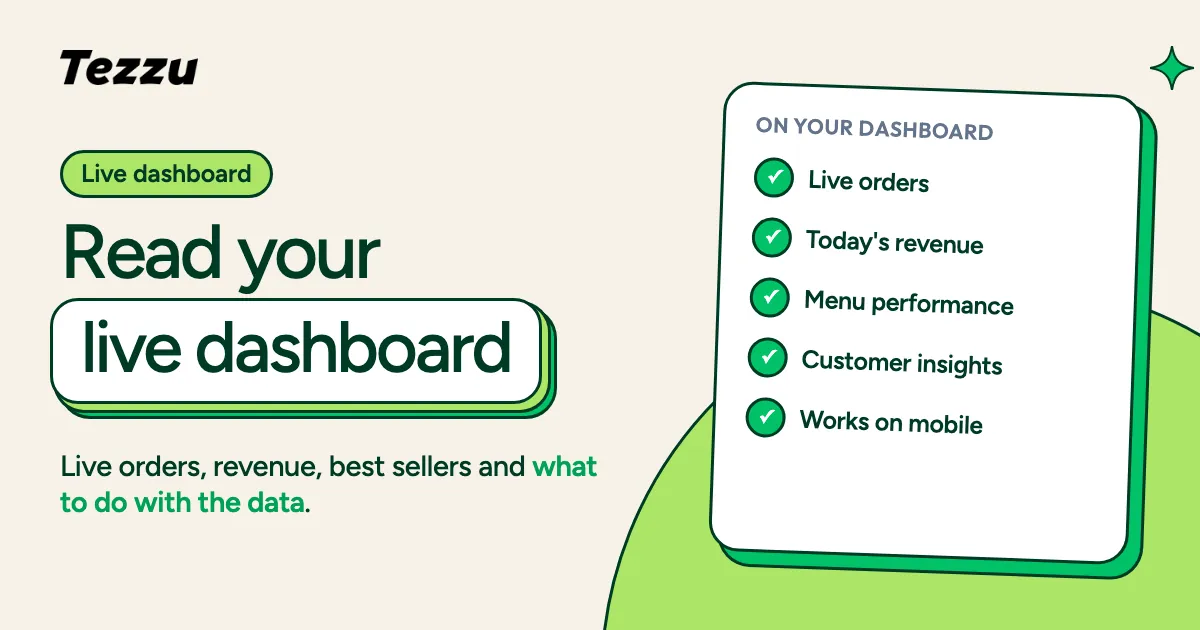
Understanding Your Live Dashboard: Orders, Revenue & Customer Insights
Your Tezzu dashboard shows everything happening in your business in real-time. Here's how to read it and use the data to make better decisions.
 Using Tezzu
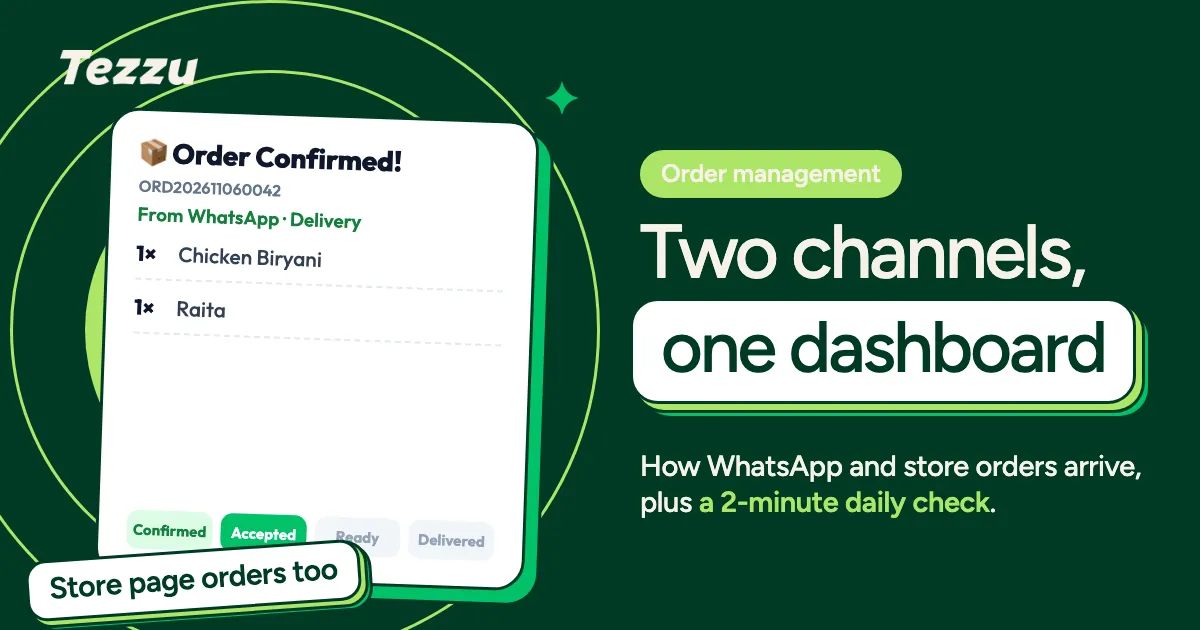
How to Accept and Manage Orders via WhatsApp and Your Store Page
Orders come from two channels — your WhatsApp number and your store page. Learn how the dual system works and how to manage your daily order workflow.
 Using Tezzu
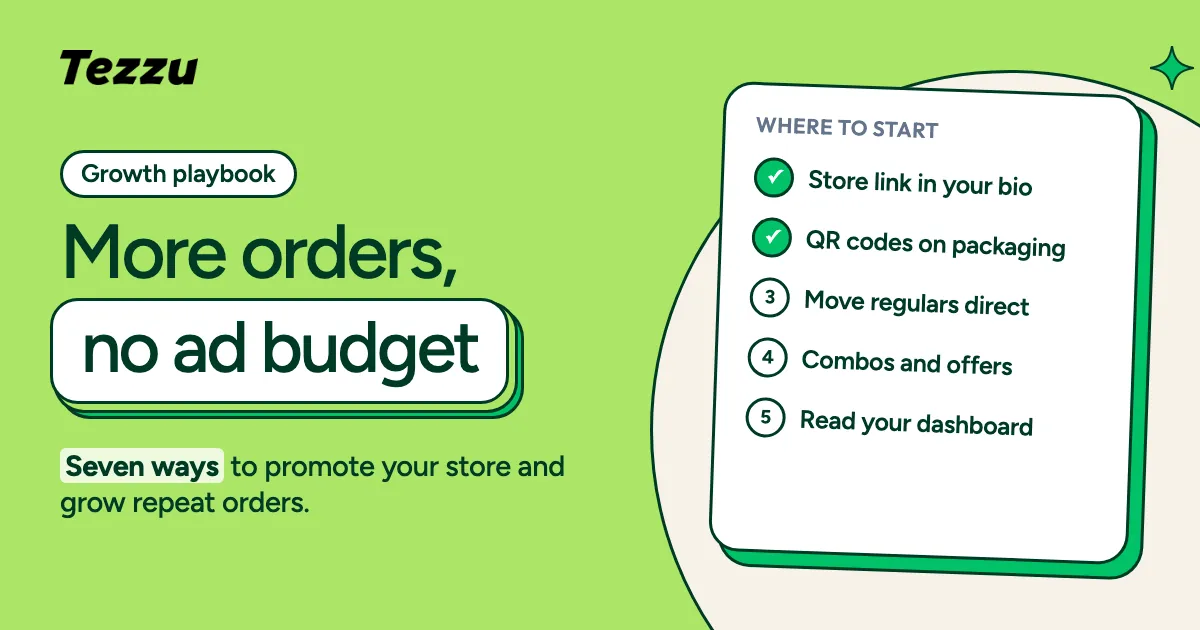
Growing Your Business with Tezzu: Tips for Getting More Orders
You're set up on Tezzu — now how do you get more customers? Practical strategies for promoting your store and increasing repeat orders.