Tezzu product guides
Step-by-step guides to setting up and using each part of Tezzu.
21 guides
 Using Tezzu
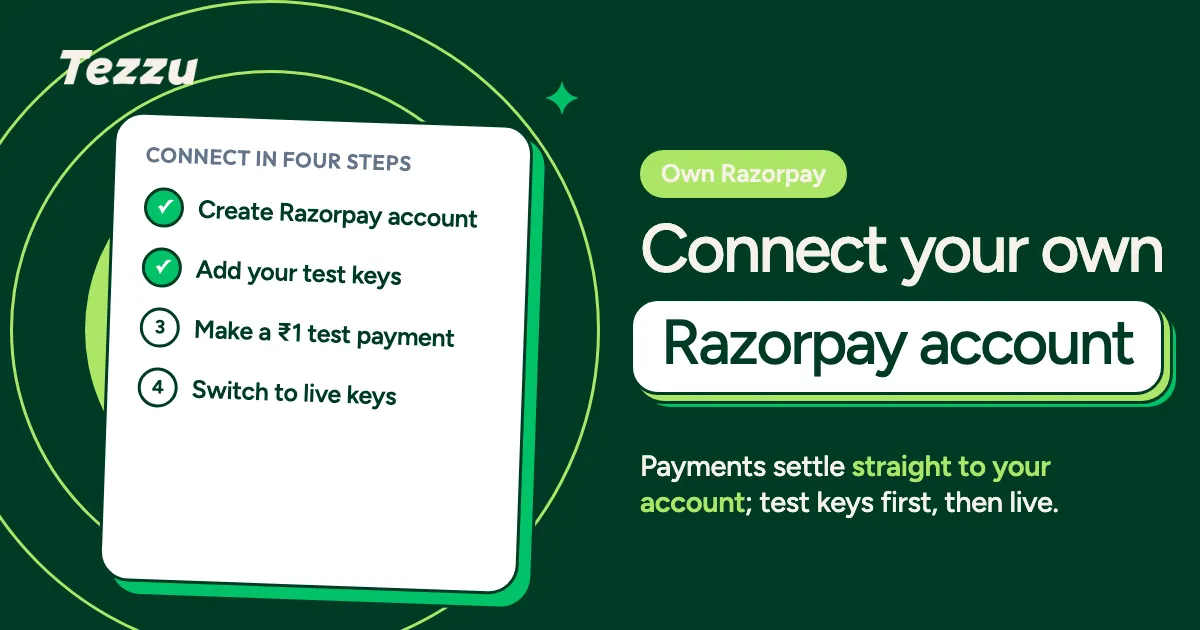
Bring Your Own Razorpay: Zero Platform Fees on Online Payments
Tezzu BYO Razorpay explained: connect your own Razorpay account, keep every online payment in full, how test and live keys work, and who should use it.
 Using Tezzu
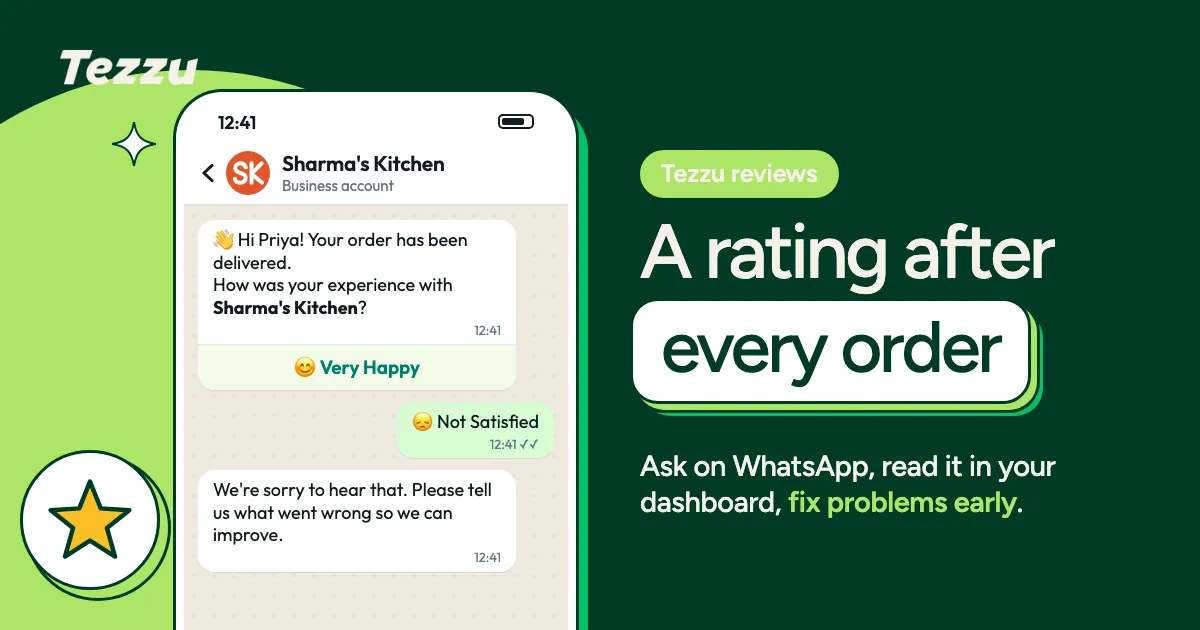
Collecting Ratings After Every Order With Tezzu Reviews
Using the Tezzu reviews feature: ask for a rating on WhatsApp after every delivery, read it in the dashboard and fix problems before they reach Google.
 Using Tezzu
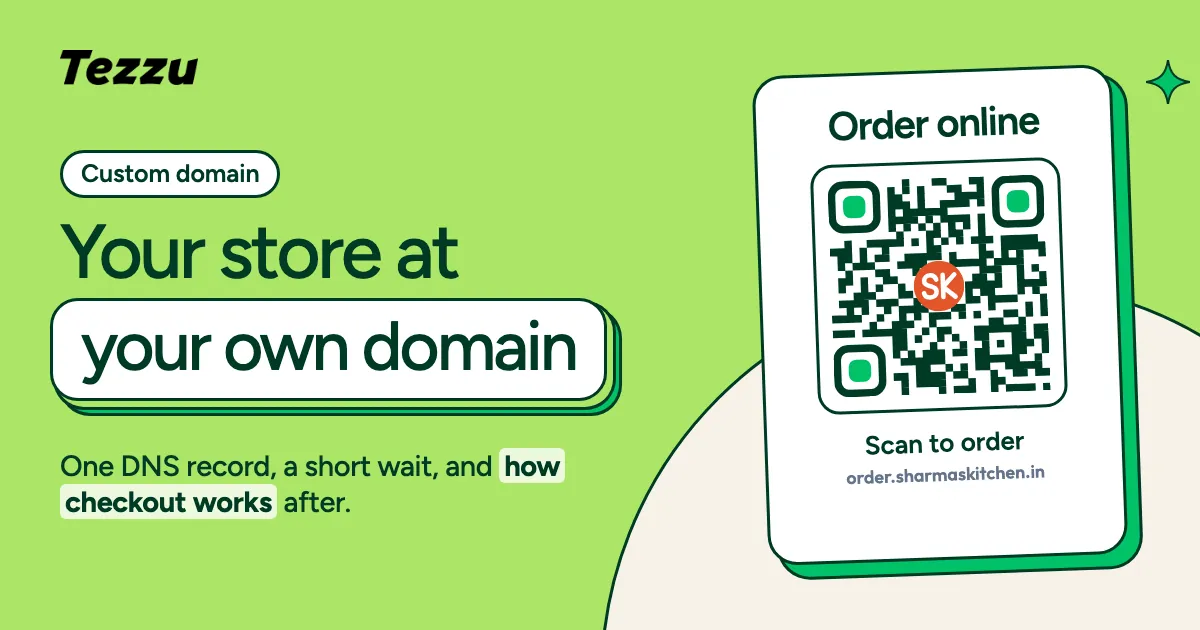
Custom Domain for Your Ordering Store: Setup and Hosted Checkout
How to put your custom domain ordering website on Tezzu: choosing the name, the DNS step, how hosted checkout handles payments, and what to update after.
 Using Tezzu
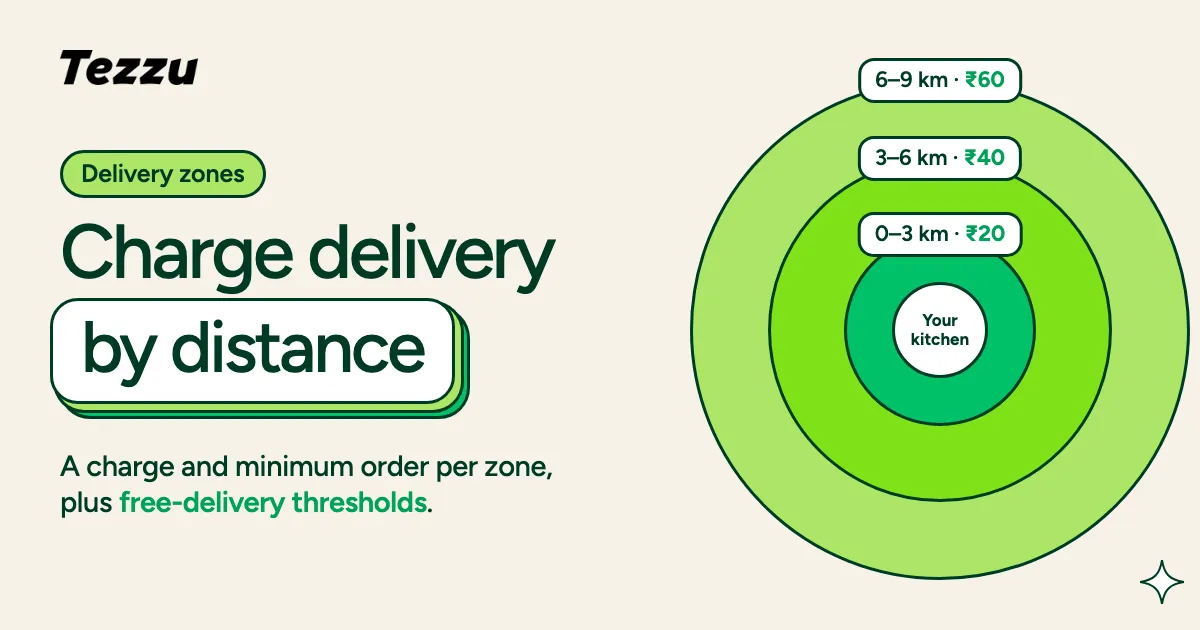
Delivery Zones, Charges and Free-Delivery Thresholds in Tezzu
How to set up Tezzu delivery zones: distance bands, a charge and minimum order per zone, store-wide and per-zone free-delivery thresholds, and testing.
 Using Tezzu
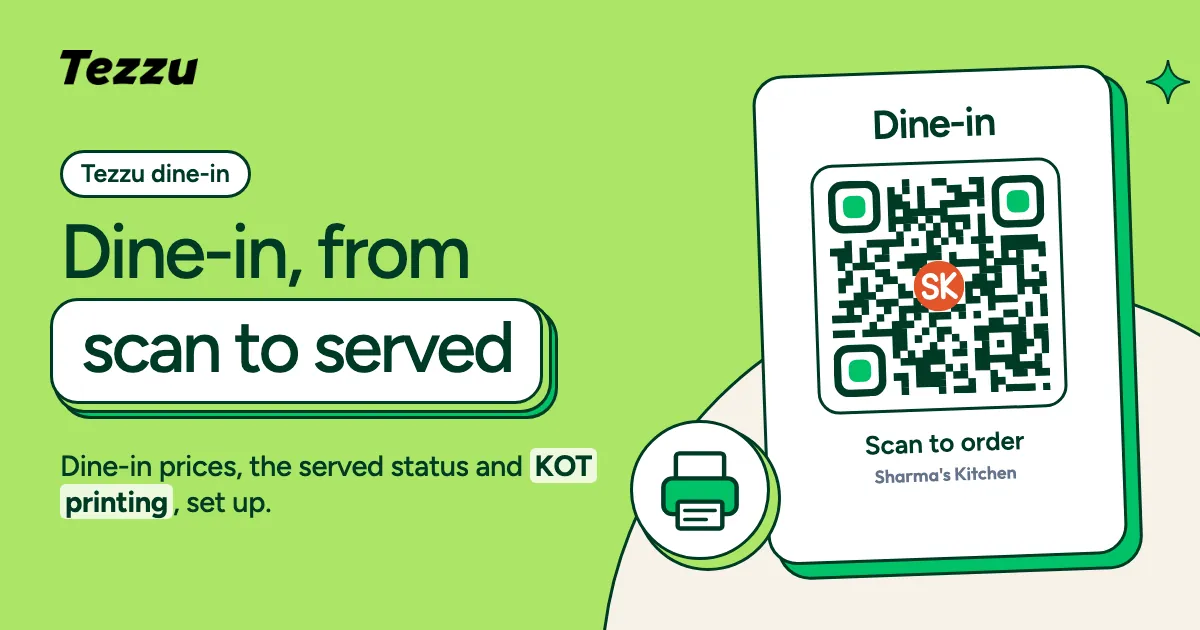
Dine-In With Tezzu: QR Tables, Served Status and KOT Printing
Tezzu dine in setup: turning on dine-in prices, printing table QR codes, the pending-to-served order flow, KOT printing and who marks an order served.
 Using Tezzu
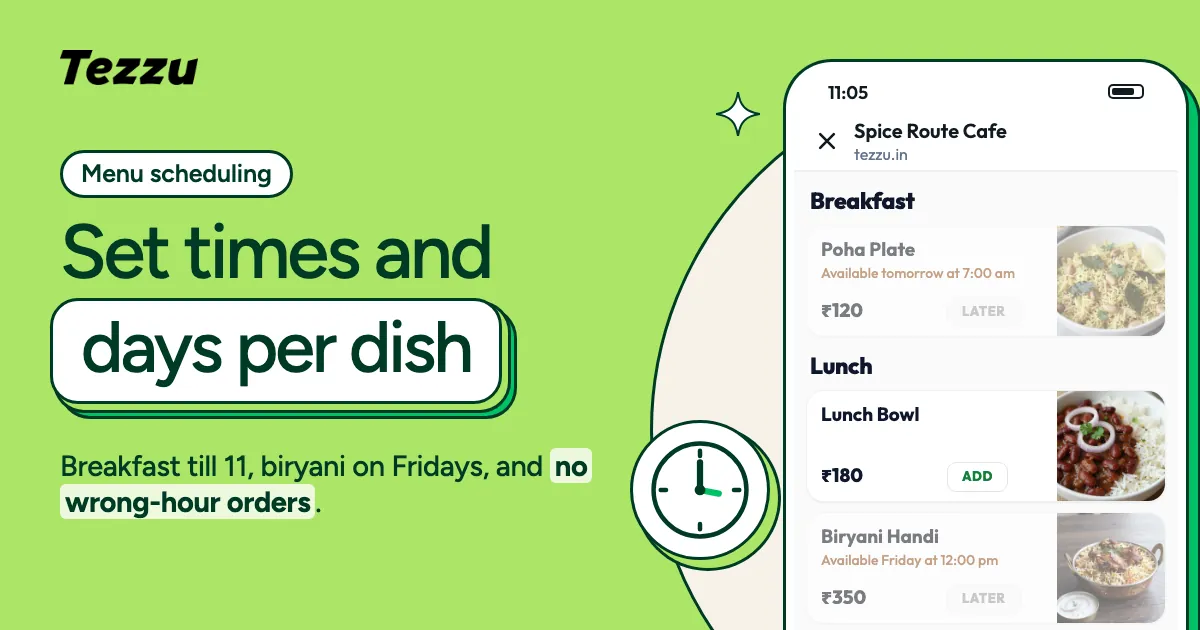
Menu Scheduling in Tezzu: Time and Weekday Availability
How Tezzu menu scheduling works: set weekday and time availability on items or whole categories, snooze sold-out dishes and stop wrong-hour orders.
 Using Tezzu
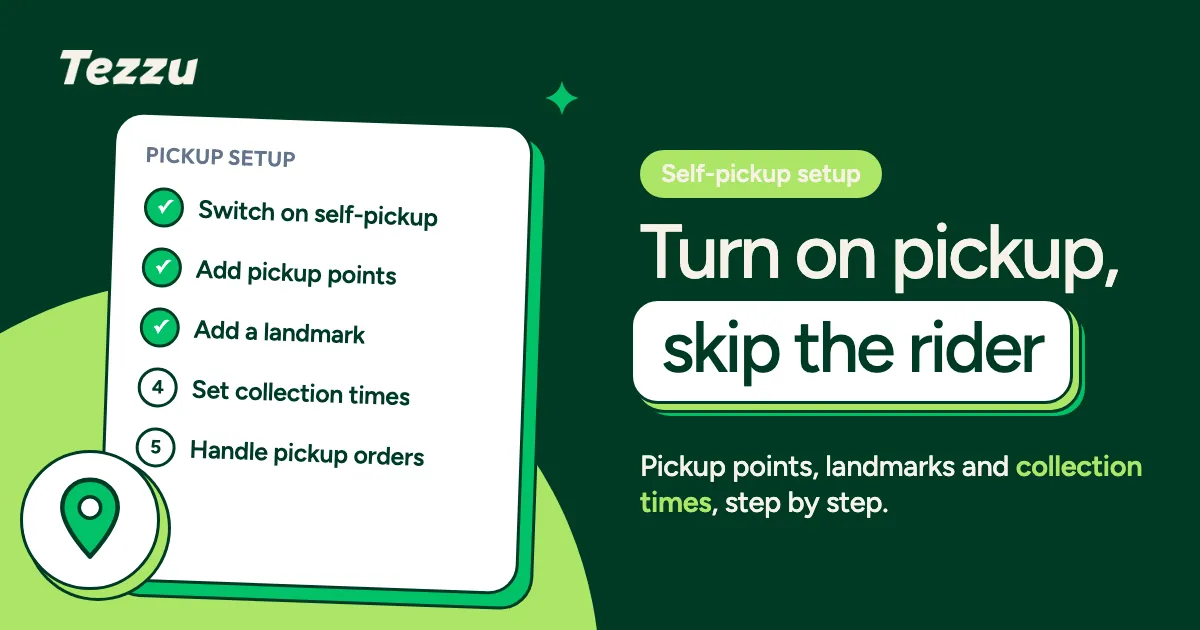
Self-Pickup Points in Tezzu: Setup and Customer Flow
Tezzu pickup setup in ten minutes: turn on self-pickup, add pickup points with a landmark and instructions, set collection times, and handle the orders.
 Using Tezzu
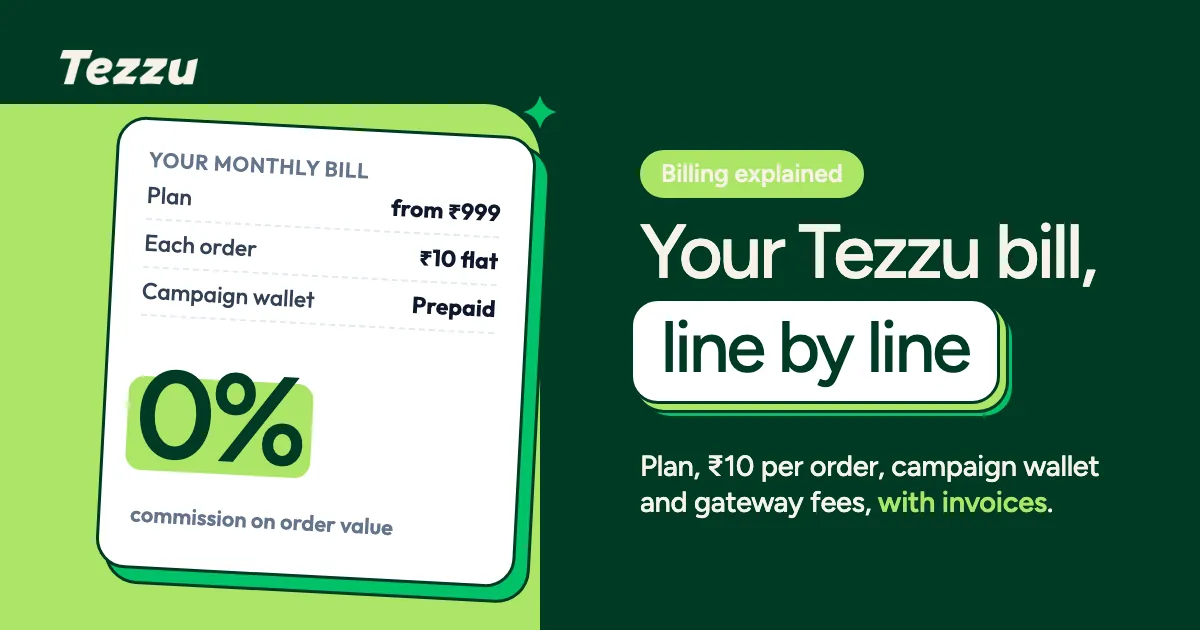
Tezzu Billing Explained: Plans, Wallet, Per-Order Charges and Invoices
Tezzu billing in plain terms: the monthly plan, the flat 10 rupee order charge, the prepaid campaign wallet, gateway fees, and where your invoices live.
 Using Tezzu
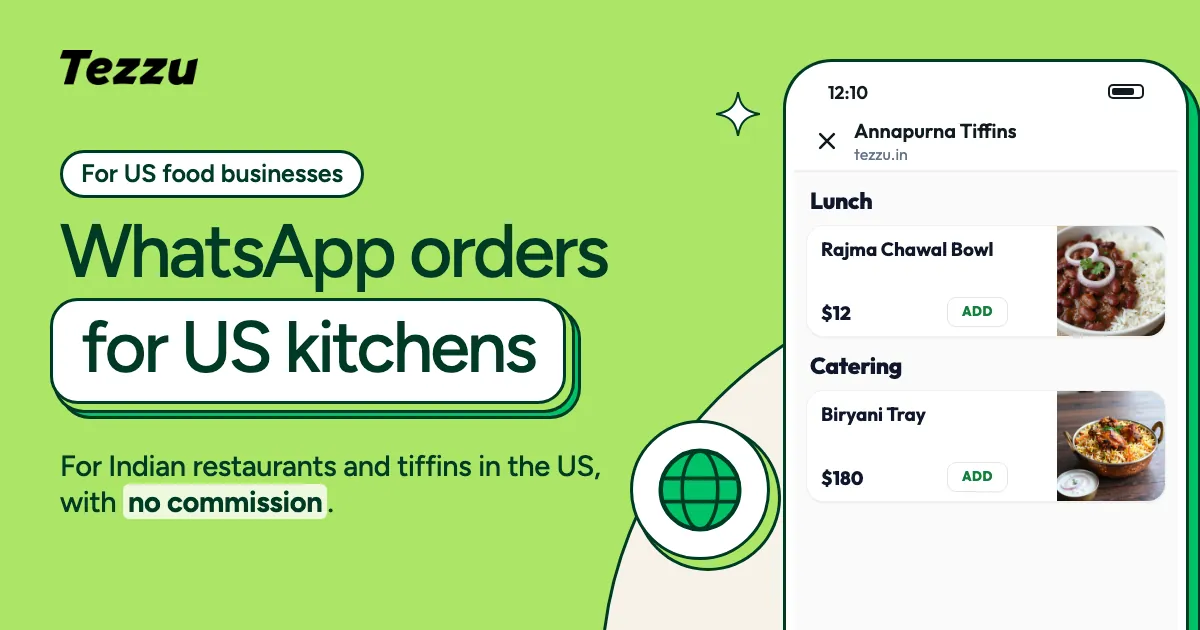
Tezzu for US Merchants: Stripe Payments and USD Plans
How Tezzu Stripe billing works for US food businesses: USD plans at $49, $69 and $99, a flat $0.50 per order, card payments through Stripe, no commission.
 Using Tezzu
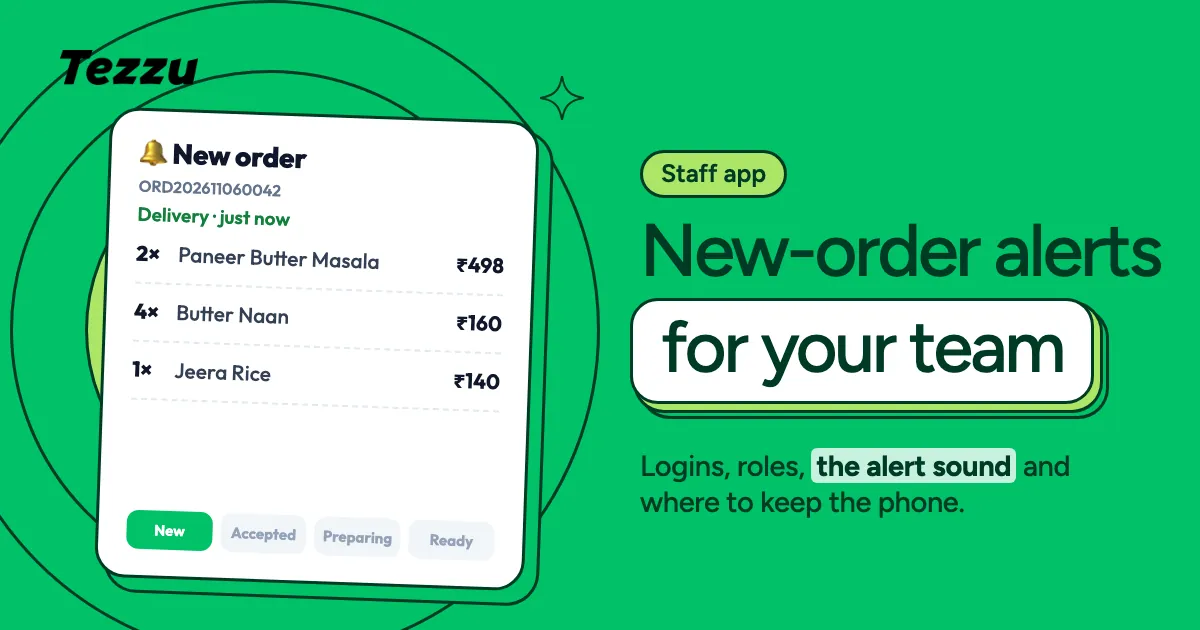
Tezzu Staff App: New-Order Alerts for Your Team
How the Tezzu staff app works: new-order alerts with a sound, where to put the kitchen phone, staff logins and roles, and a setup checklist.
 Using Tezzu
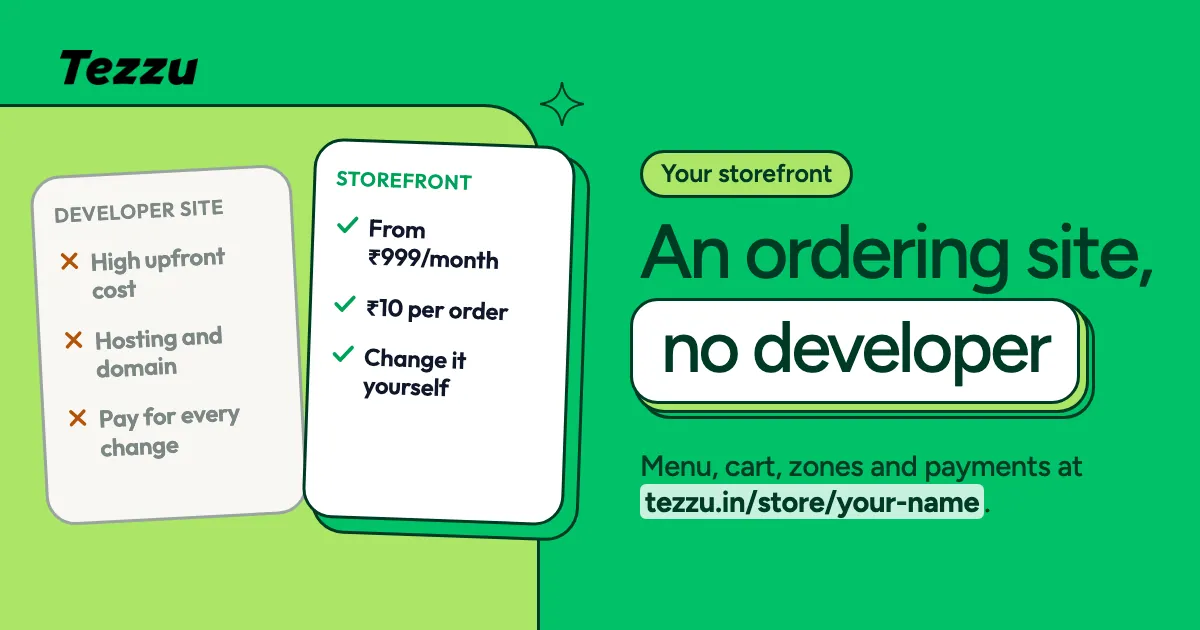
Your Tezzu Storefront and Web Menu: An Ordering Website Without a Developer
The Tezzu storefront is a free ordering website at tezzu.in/store/your-name. What customers can do on it, what you control, and where to put the link.
 Using Tezzu
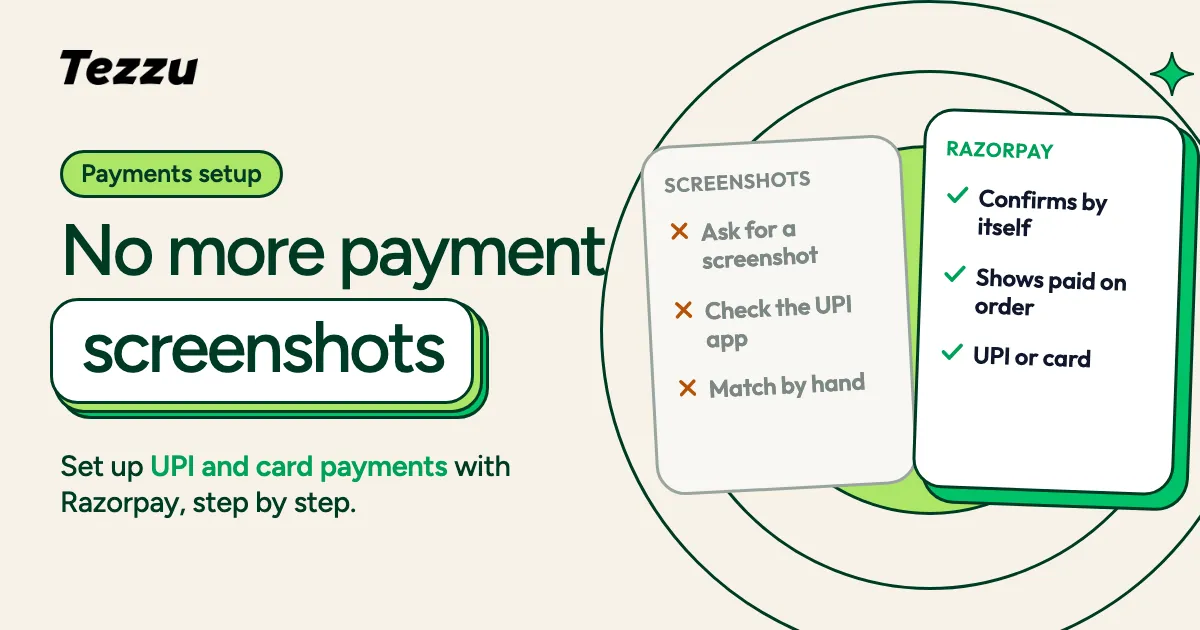
Accepting UPI and Card Payments: Razorpay Setup in Tezzu
Tezzu Razorpay setup for UPI and card payments on WhatsApp orders: documents to prepare, the activation steps, what customers see, fees and settlement.
 Using Tezzu
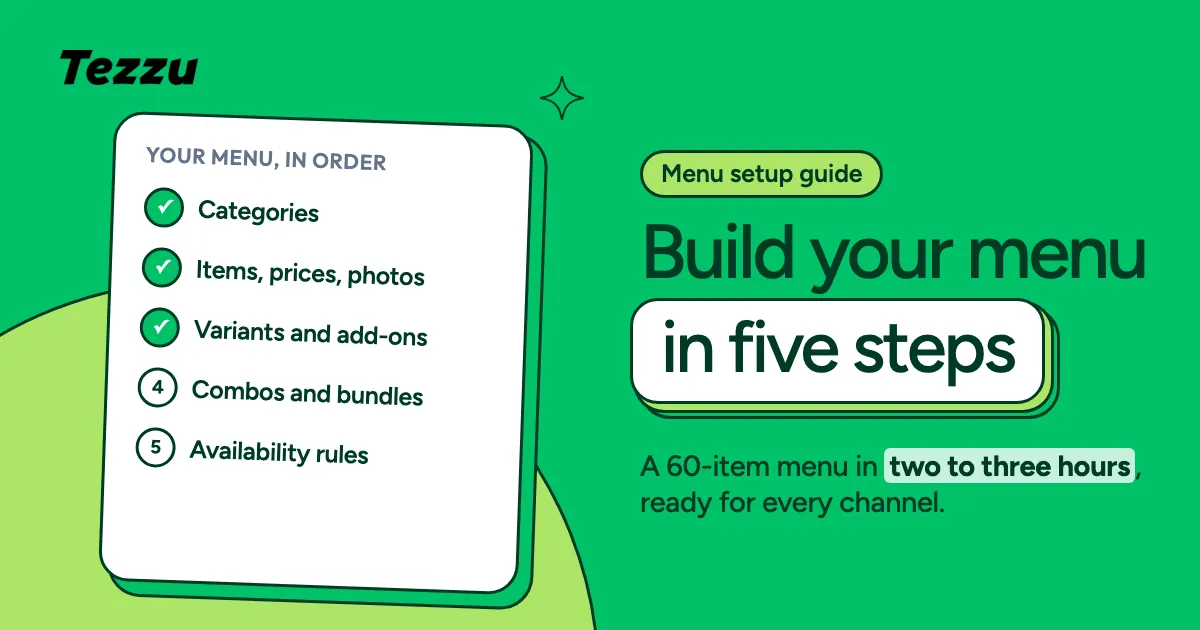
Building Your Menu in Tezzu: Categories, Variants, Add-Ons and Bundles
Tezzu menu setup from a blank store to a finished menu: categories, items, variants, add-ons, combos and build-your-own bundles, plus availability rules.
 Using Tezzu
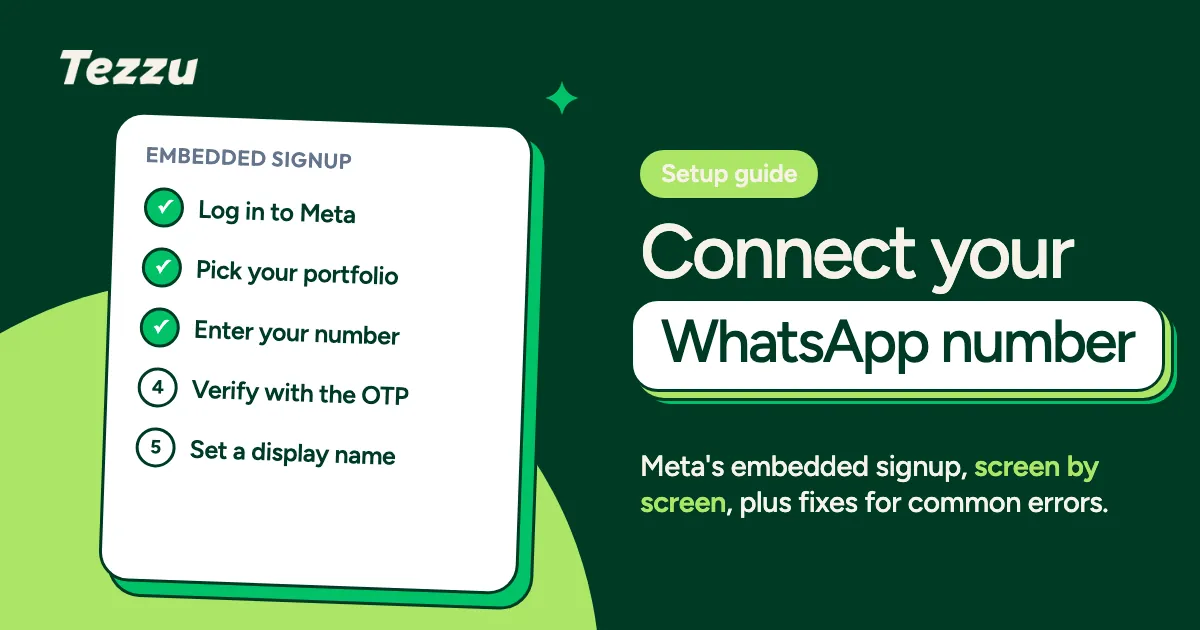
Connecting Your WhatsApp Business API Number to Tezzu (Embedded Signup)
WhatsApp Business API setup for your restaurant, step by step: what to prepare, how Meta embedded signup works inside Tezzu, and fixes for common errors.
 Using Tezzu
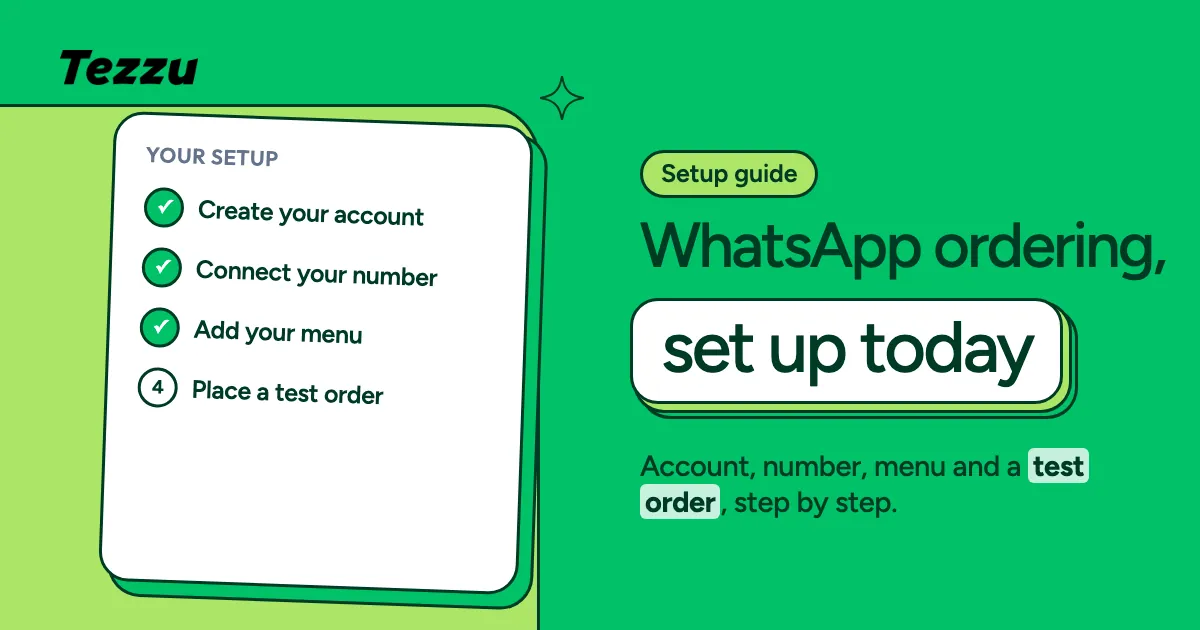
How to Set Up WhatsApp Ordering With Tezzu in 15 Minutes
Tezzu setup in 15 minutes: create your account, connect your WhatsApp number, add the menu and take a test order, then what to set up next.
 Using Tezzu
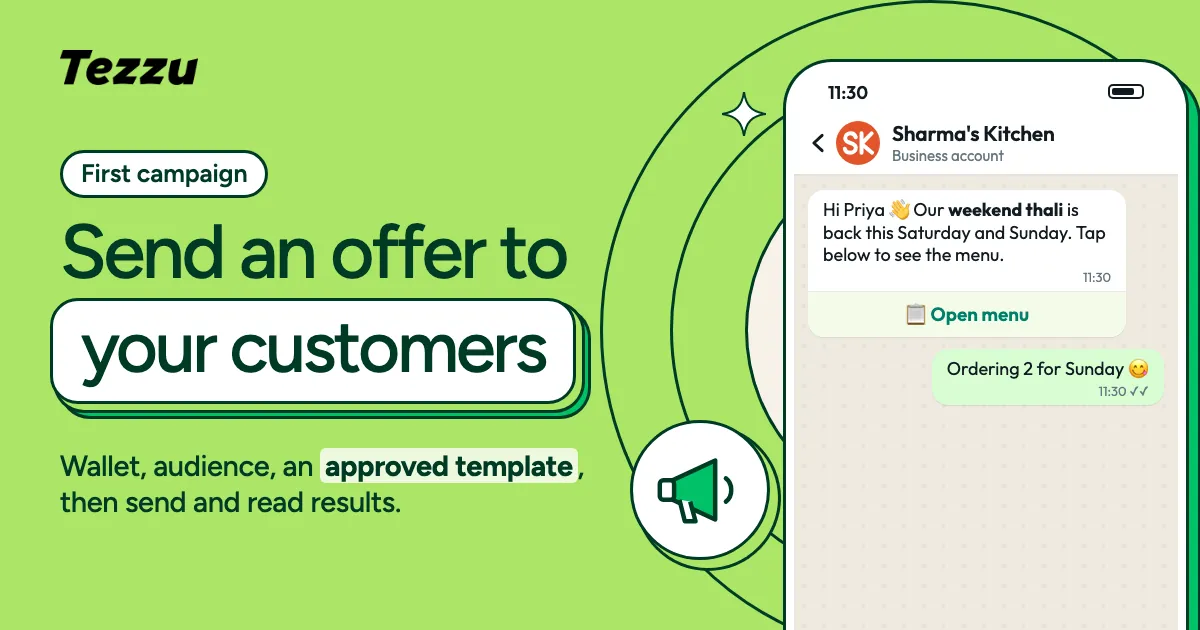
Sending Your First WhatsApp Campaign From Tezzu
Tezzu campaigns step by step: top up the wallet, pick your customers, write a template that gets approved, send, and read the results in the dashboard.
 WhatsApp Commerce
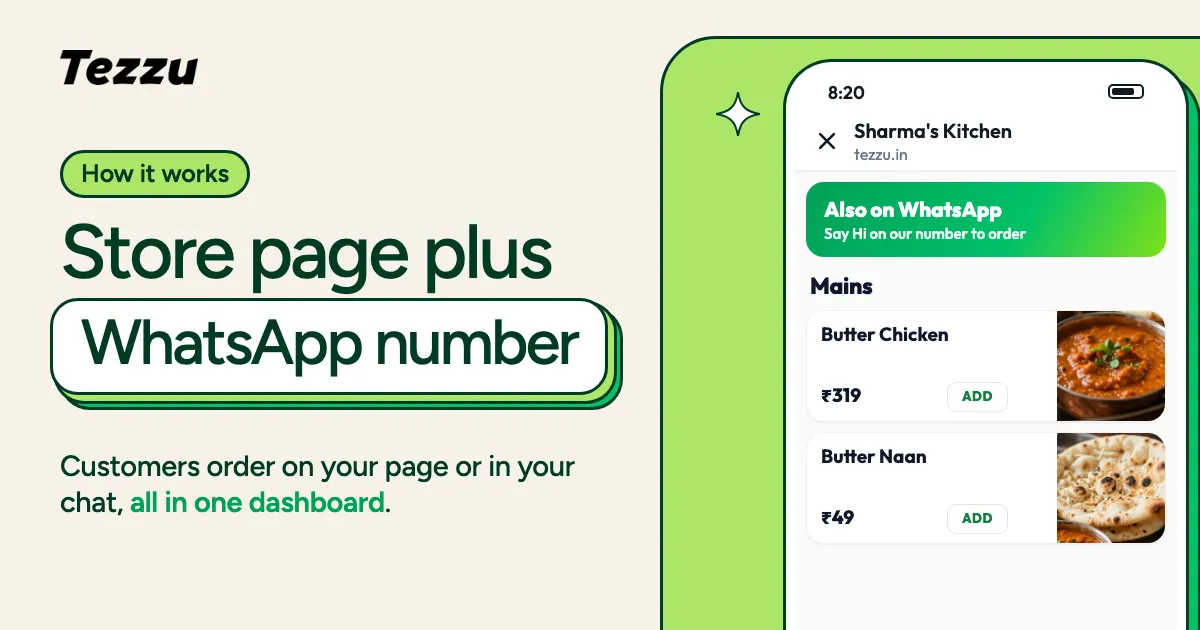
How Your Tezzu Storefront Works: Store Page + WhatsApp Number
Every Tezzu merchant gets their own store page and accepts orders on their own WhatsApp number. Here's how the two channels work together.
 Your Storefront
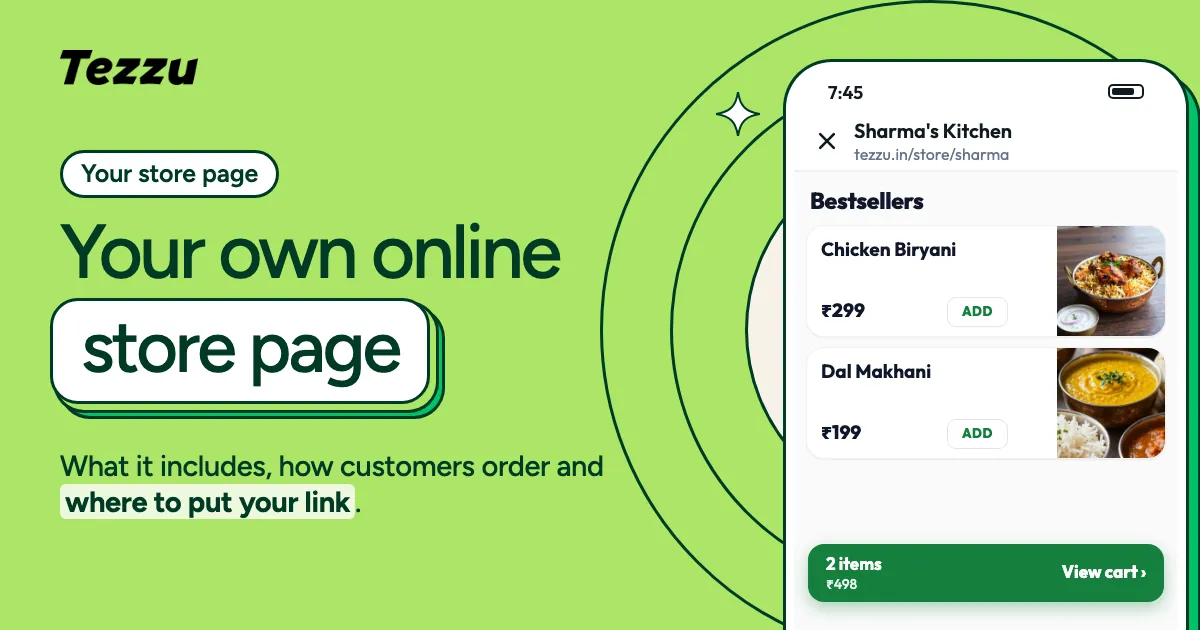
Your Own Online Store Page on Tezzu: What It Is and How It Works
Every Tezzu merchant gets their own store page at tezzu.in/store/your-name. Learn what it includes, how customers use it, and how to share it everywhere.
 Your Storefront
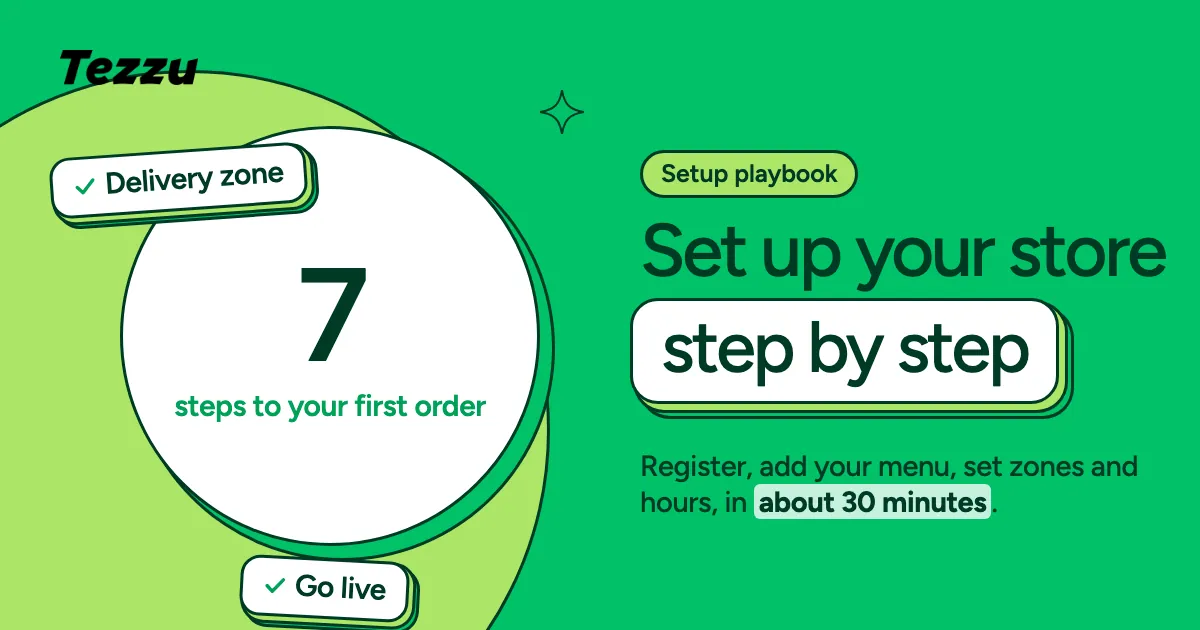
Setting Up Your Tezzu Store: A Complete Step-by-Step Playbook
From registration to your first order — a hands-on walkthrough of setting up your Tezzu store in under 30 minutes.
 Using Tezzu
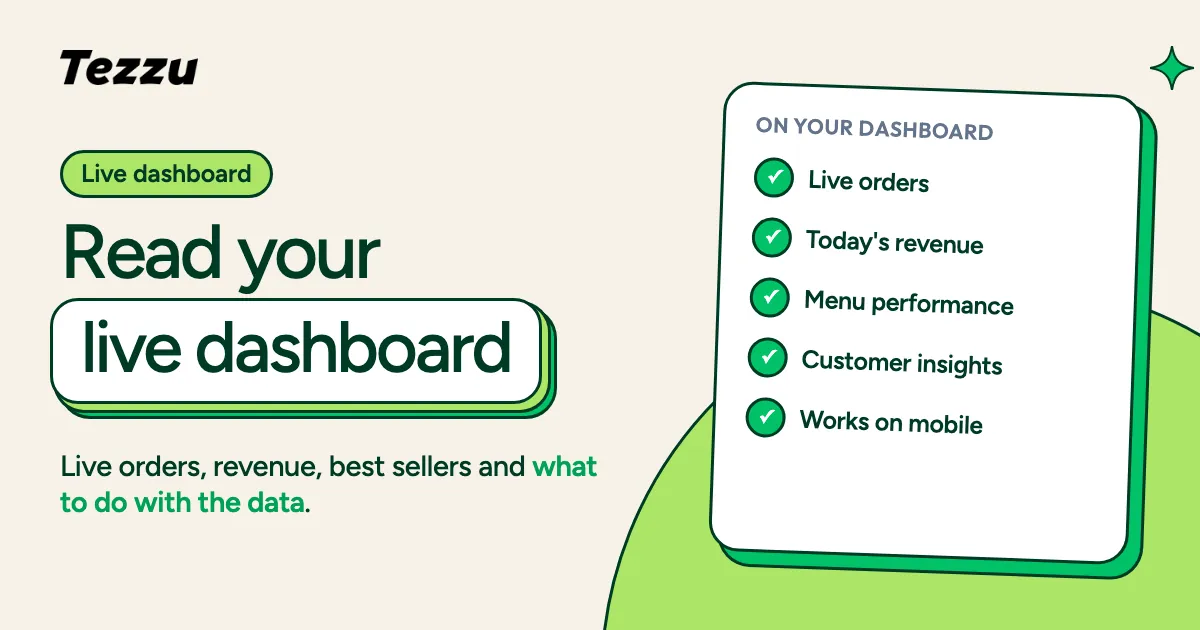
Understanding Your Live Dashboard: Orders, Revenue & Customer Insights
Your Tezzu dashboard shows everything happening in your business in real-time. Here's how to read it and use the data to make better decisions.
 Using Tezzu
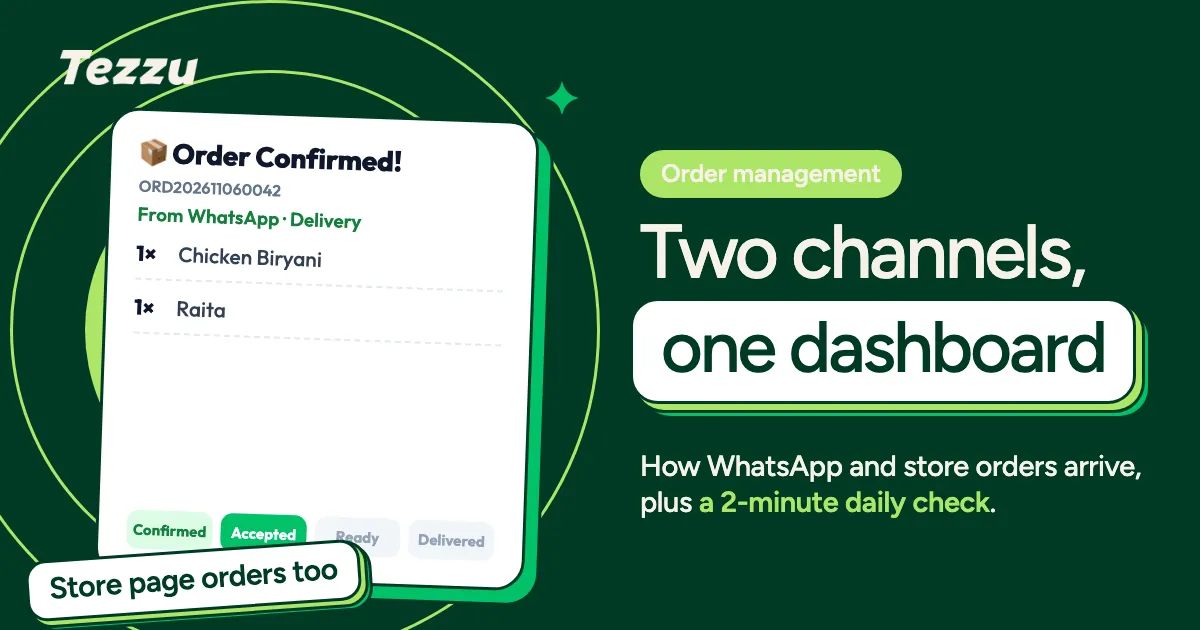
How to Accept and Manage Orders via WhatsApp and Your Store Page
Orders come from two channels — your WhatsApp number and your store page. Learn how the dual system works and how to manage your daily order workflow.